We've recently updated our Terms of Service and Privacy Policy.

Getting your business listed on Google is one of the most powerful steps you can take to strengthen your online presence. When customers search for local products or services, Google Business Profile is often the first thing they see. Claiming and optimizing your listing boosts visibility, builds trust with consumers, and increases your chances of showing up in local search results. This guide walks through how to get your business listed properly on Google, avoid common mistakes, and optimize your profile for maximum performance.
Your Google Business Profile (formerly Google My Business) is a free tool that determines how your company appears on Google Search and Google Maps. When properly set up, it improves your online credibility, supports key local SEO ranking signals, and creates a better user experience for potential customers.
Local customers rely heavily on Google to evaluate whether a business is credible. That means your Google listing plays a major role in shaping first impressions and influencing buying decisions. A polished and accurate profile strengthens the same signals that make a website trustworthy, including legitimacy, consistency, and professionalism, for both search engines and potential customers.
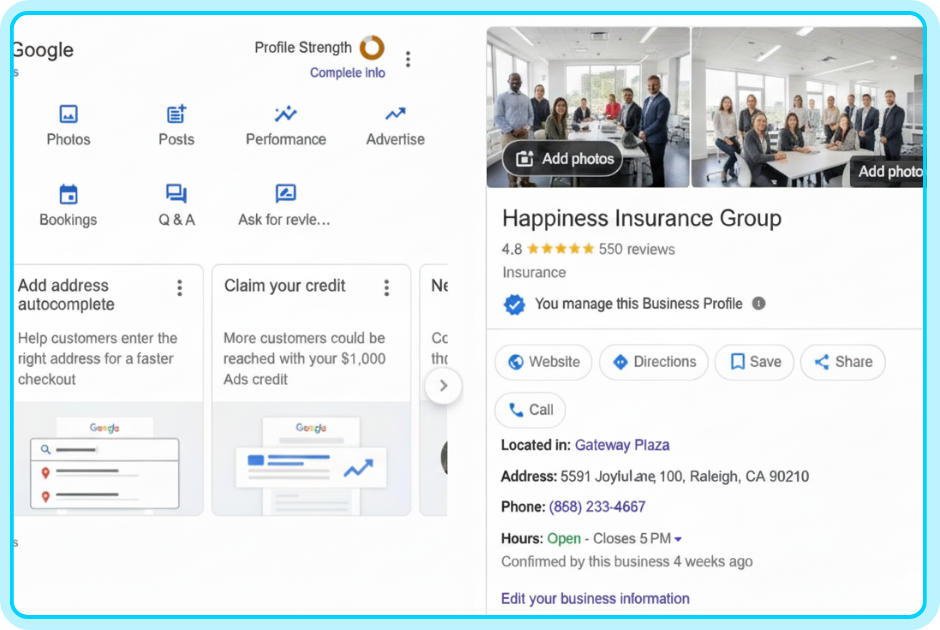
Not every type of business can create a profile. You qualify if:
Online-only businesses without physical customer interaction do not qualify.
If your business has multiple locations, each location can have its own profile.
Follow these steps to start the process:
Visit Google’s official management dashboard by searching “Google Business Profile” in your browser and selecting the “Manage now” option.
Using a dedicated business email helps keep your brand assets organized.
Many businesses already appear in Google’s database, even before being claimed.
If your business appears:
If your business does not appear:
Google gives you two options:
Service-area businesses can hide their home address while still ranking locally.
Include:
Accurate, consistent information helps strengthen local SEO for small businesses and prevents verification delays.
Google requires verification to ensure accuracy and prevent spam.
Common verification methods include:
Google mails a postcard with a unique code to your address.
Timeline: 3–12 days.
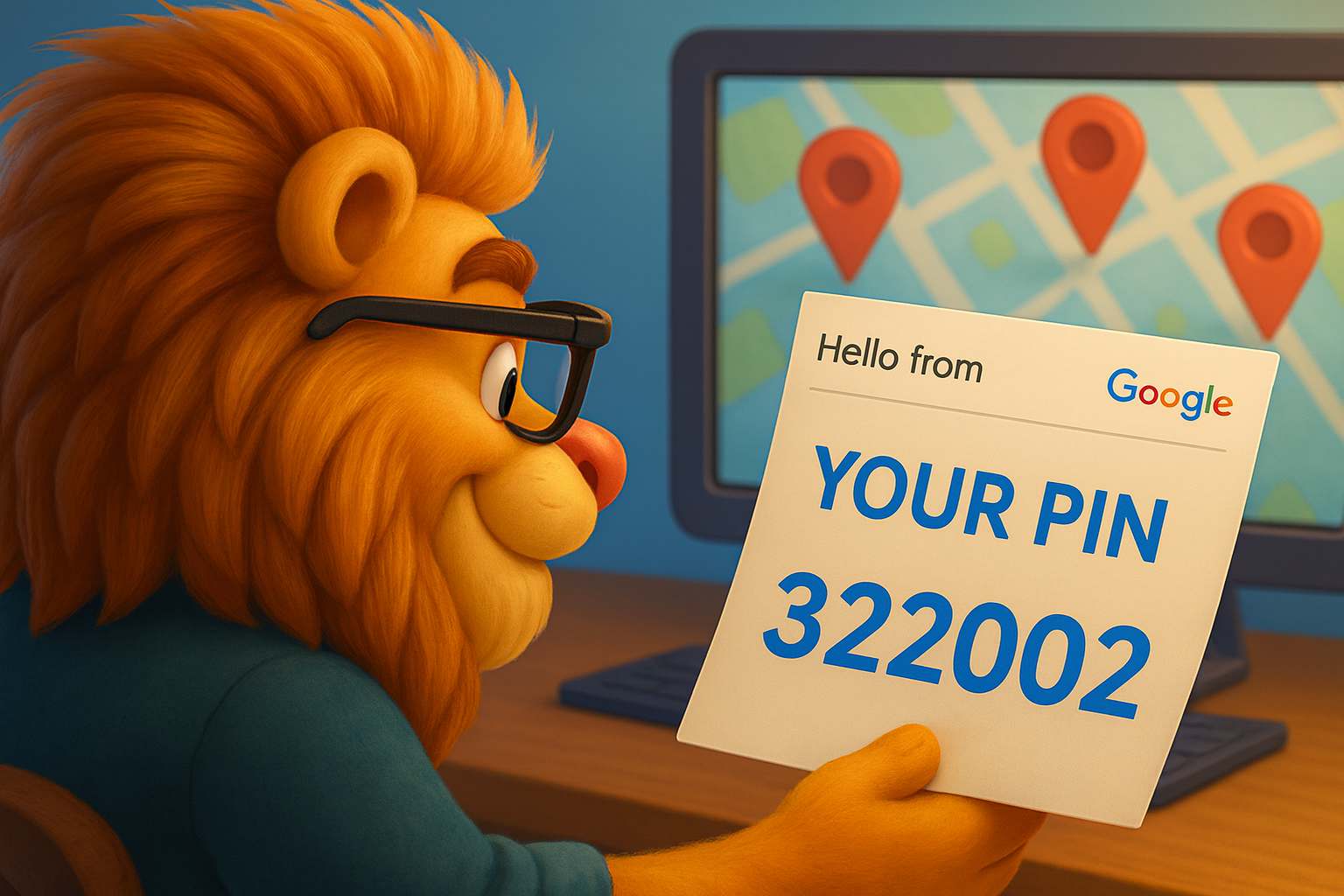
A code is sent via call or text.
Available only for certain business types.
You receive a code through your business email.
Also only offered in select cases.
If your business is already verified in Google Search Console, you may qualify.
Google may ask for a short video walkthrough to confirm:
This process helps Google verify authenticity and protect user trust.
Verification is only the beginning. Optimization is what moves your profile higher in local search results.
Google prioritizes fully filled-out profiles. Be sure to add:
Completeness contributes to the perceived accuracy and trustworthiness of your business.
Use 2–3 paragraphs that highlight:
Include your main keywords naturally. Keep it straightforward and relevant.
Photos dramatically increase engagement. Include:
High-quality visuals support user confidence. For consistent visual branding, make sure image sizing and color usage align with your website. This improves continuity and enhances credibility, helping to make your website trustworthy.
Like social media, your profile benefits from active posting. Post about:
Regular posting signals activity, relevance, and authority.
This step boosts search visibility for specific offerings.
Reviews are one of the most influential ranking factors for local search visibility.
Ask customers through:
A steady volume of authentic reviews improves relevance and perceived reliability.
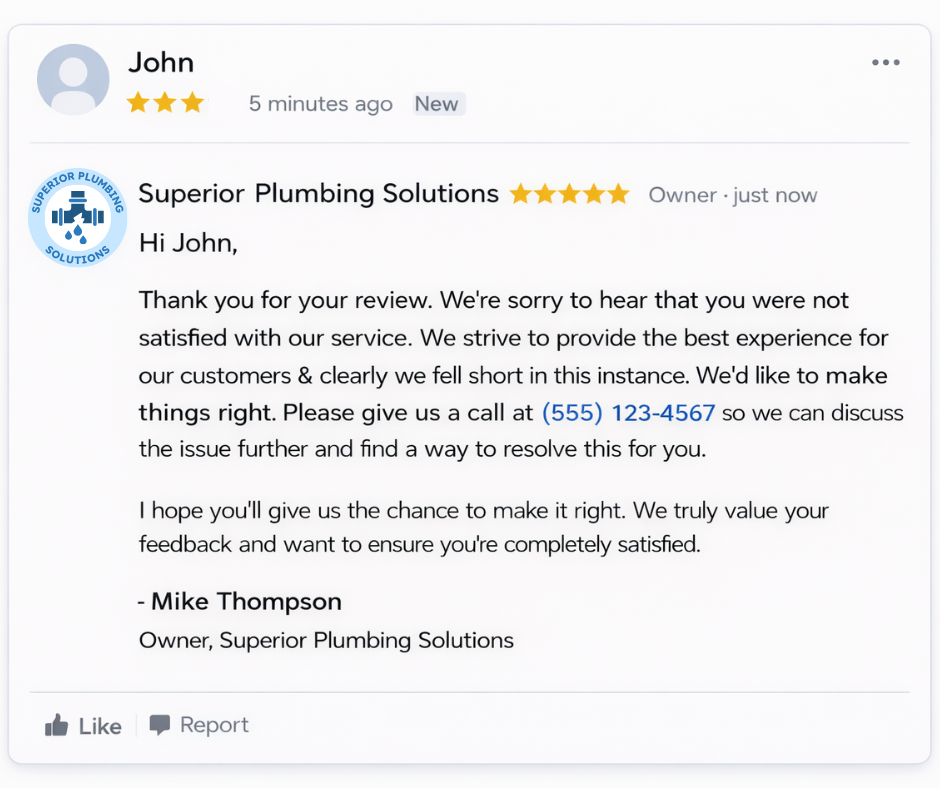
Respond to all reviews, positive or negative, with professionalism and empathy.
This demonstrates attentiveness and reinforces customer confidence.
Never:
Violations can result in penalties or removal from Google search algorithms.
Strong review management plays a key role in local SEO for small businesses by improving visibility and increasing click-through rates.
Google Business Profile provides valuable insights, including:
Use these insights to understand your audience behavior and identify areas for improvement.
If you notice low engagement, review and increase:
In some cases, poor engagement is tied to slow site speed or technical issues. A more detailed breakdown of website performance improvements explains how to address these problems effectively.
Many business owners unintentionally hold themselves back. Avoid:
Your Google listing works best as part of a broader online presence that includes:
When all these pieces work together, your business becomes easier to find on Google and more credible in the eyes of customers.
We’ll give you a call to set up time for your team and ours to meet virtually for a personalized demo.
Book a Demo


.png)
%20(1).png)
.svg)
.svg)


.png)
