We've recently updated our Terms of Service and Privacy Policy.

If someone searched for your business on Google right now, what would they find? Would they see your phone number, hours, and reviews, or would they see a blank space that makes them second-guess if you’re legit?
Your Google Business Profile (formerly Google My Business) is often the first thing someone sees when they look you up. And in 2026, it’s more important than ever to have it set up and accurate.
Whether you're an insurance agent, financial advisor, attorney, or small business owner, the first place people check you out isn’t your website; it’s Google. That little profile that pops up on the right side of the screen? That’s your Google Business Profile.
When it’s filled out and up-to-date, it builds instant trust. When it’s not, people hesitate. They might not say anything; they’ll just move on to someone who looks more professional and accessible.
In short, if you want to earn trust before the first conversation, this is where it starts.
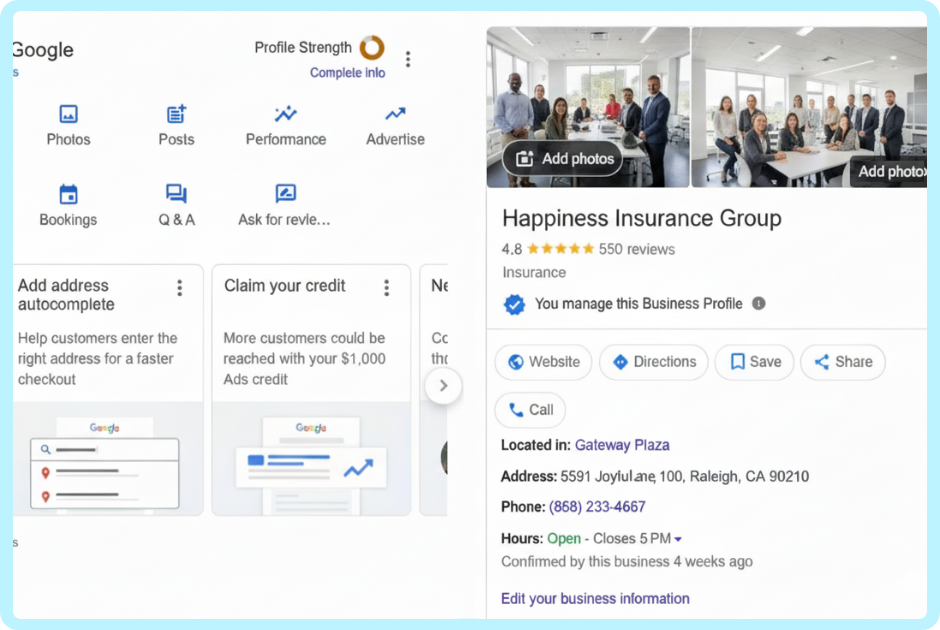
Your profile isn’t just a digital business card. It’s where potential clients can:
It also helps with local SEO, meaning your business is more likely to show up when someone searches for “insurance agent near me” or “financial advisor in [your city].”
Setting up your profile is free and takes about 10–15 minutes. Here’s how to get it done:
That’s it. You’ve now got a professional presence on the platform people use most when looking for help.
Don’t just set it and forget it. Check your profile once a month to make sure everything’s accurate. Update your hours if they change. Add a photo from a recent event or a short post with helpful info. Respond to reviews, even the not-so-great ones, with professionalism.
Google notices when you’re active, and so do potential clients.
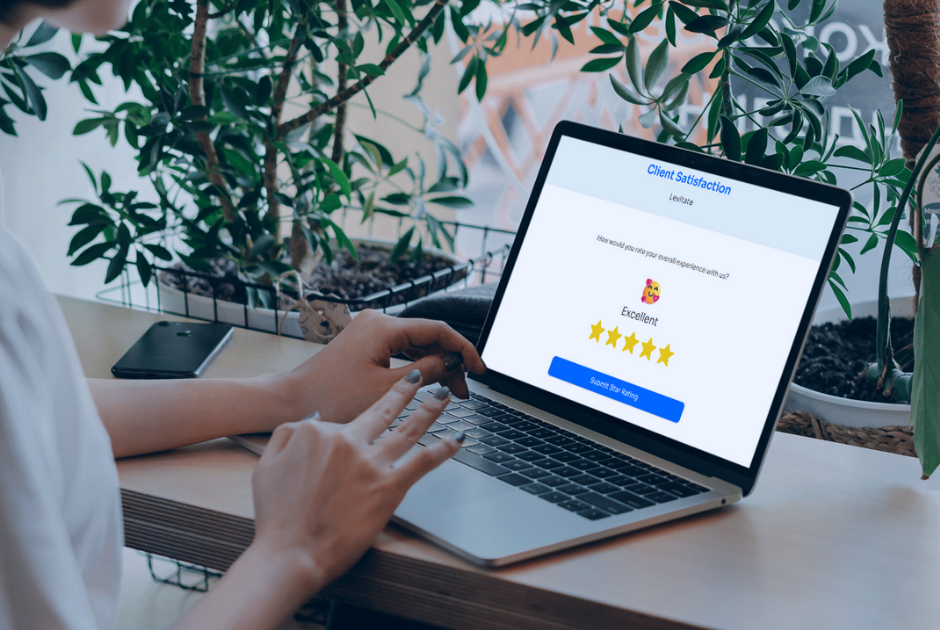
Your Google Business Profile works best when it ties into the rest of your marketing. Mention your latest review in your email newsletter. Share a screenshot of your five-star rating on social. These little touchpoints add up and remind people that you’re trusted, helpful, and human.
And if that sounds like a lot to keep up with, that’s what Levitate is for.
We help professionals stay in touch with clients and prospects through email, social, and yes, even Google reviews, without adding hours to your week.
Your Google Business Profile is the first impression you don’t want to miss. It’s free, easy to set up, and makes your business more visible to the people who need you most.
If you want help turning that first click into a lasting relationship, book a demo with Levitate today. We’ll show you how to make marketing feel more personal, and way less overwhelming.
We’ll give you a call to set up time for your team and ours to meet virtually for a personalized demo.
Book a Demo


.png)
%20(1).png)
.svg)
.svg)