We've recently updated our Terms of Service and Privacy Policy.

Adding video to a website can feel like one of those SEO recommendations that sounds promising but raises an obvious question: Will this actually help us rank, or are we just adding another thing to the page?
The practical answer is that video can help SEO, but simply embedding a video does not automatically move a page higher in Google.
Where video becomes valuable is when it makes a page more useful, helps people understand your business, demonstrates real expertise, or gives Google another type of content it can potentially surface in search. Google specifically provides guidance for helping videos appear across its main search results, video results, Google Images, and Discover.
So the better question isn't, "Does Google reward us for having a video?"
It's: Does this video make the page more helpful, credible, and complete?
That distinction matters when deciding whether video belongs in your broader content strategy or is simply being added because someone said video is "good for SEO."
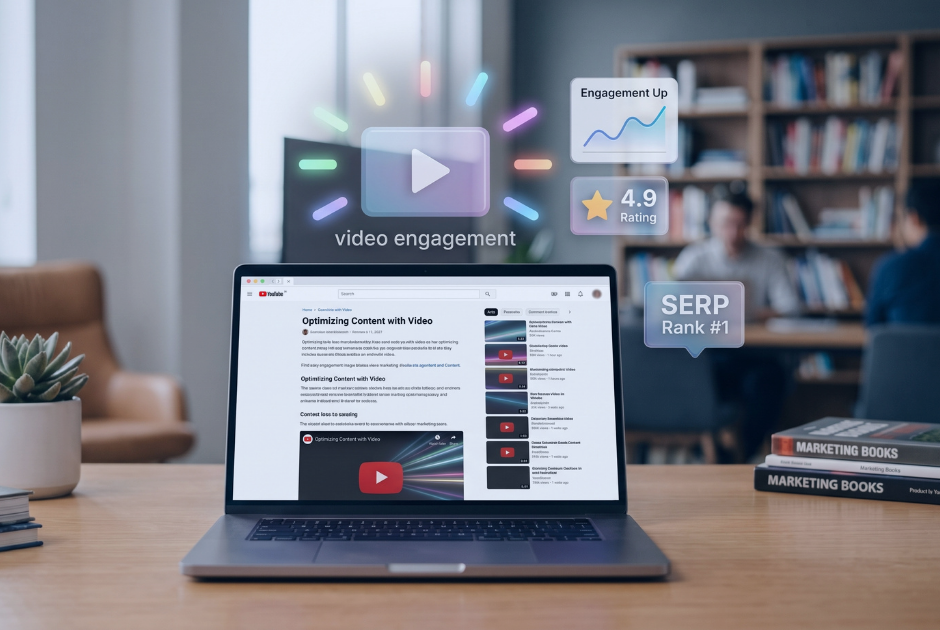
Google's guidance consistently emphasizes helpful, reliable content created for people rather than content added primarily to influence rankings. Its systems look at many signals when deciding which pages are most useful for a search.
Video can contribute to that usefulness.
Imagine someone comparing two contractors. One website has a short paragraph saying, "Our team will guide you through the remodeling process." The other has a 90-second video in which the project manager explains exactly what happens between the initial consultation and the start of construction.
Both pages may contain similar written information. But the second gives the visitor another way to understand the process, hear directly from the person who may handle the project, and decide whether the company feels like the right fit.
That is where video earns its place.
It can support SEO because it improves the actual content experience—not because Google awards bonus points whenever it finds a play button.
This is also why adding video rarely fixes a page that isn't ranking for more fundamental reasons. If the page does not clearly answer what people are searching for, lacks useful information, or faces strong competition, dropping a generic promotional video onto it will not solve the problem. Those issues are better addressed as part of understanding why your site isn't ranking in the first place.
Team introductions are particularly useful for service businesses because they put real people behind the information on the website.
Google's guidance around E-E-A-T—experience, expertise, authoritativeness, and trust—encourages website owners to make it clear who created content and why that person is qualified to speak about the subject. Google also emphasizes that trust is especially important when the subject can affect someone's finances, health, safety, or well-being.
A video does not create E-E-A-T by itself. But it can help demonstrate the experience already there.
An estate planning attorney could briefly explain one mistake families commonly make when preparing a will. A financial advisor might explain how they approach retirement conversations. A plumber could walk through why a particular repair is sometimes preferable to replacement.
Those videos show knowledge rather than simply claiming it.
They work especially well on About pages, professional bios, service pages, and educational resources where a visitor naturally wants to understand who they are learning from.
That makes video a useful companion to the other ways a website can demonstrate real-world expertise through biographies, credentials, detailed explanations, examples, and firsthand experience.
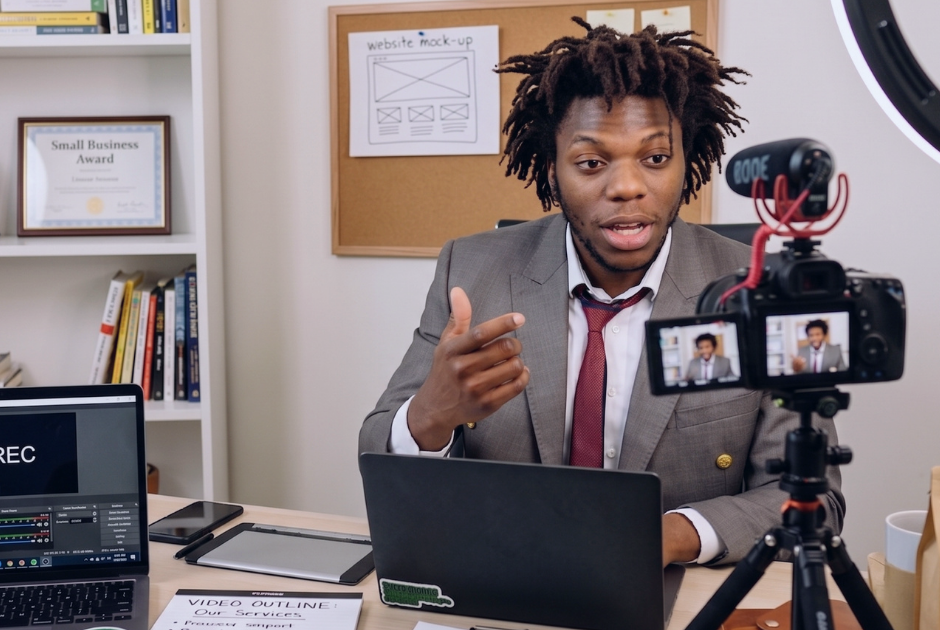
Service pages are another natural place for video.
People researching an unfamiliar service often have questions that are difficult to answer with a list of features:
What actually happens during the appointment?
What will you need from me?
How long does the process usually take?
What makes one option different from another?
What happens after I contact you?
A short explainer can answer those questions quickly while the written page provides the detail Google and readers need.
The important word here is alongside.
Don't replace useful written content with a video and assume Google will understand everything said inside it. Google's Search Essentials still recommends using the words people search for in prominent written areas such as page titles, headings, and descriptive content.
The same principle explains how blogs help SEO: written content gives you room to answer specific questions thoroughly and create pages around topics people are actively researching. Video can strengthen those pages rather than replace them.
It can if it makes the website noticeably worse to use.
Large video files, heavy third-party players, autoplaying backgrounds, and poorly implemented embeds can add unnecessary loading work. Google recommends good Core Web Vitals, which measure loading performance, responsiveness, and visual stability as part of the overall page experience.
That does not mean you should avoid video. It means implementation matters.
A useful service video that loads efficiently is very different from a massive homepage background video that slows the first screen a visitor sees.
Google also supports lazy-loading noncritical videos and iframes when it is implemented correctly, allowing content farther down a page to wait until it is needed instead of loading immediately.
Performance is also one reason video should be considered carefully during a website overhaul. When redesigning or rewriting your site, you want to preserve what already works while improving the experience rather than introducing new technical problems.
No.
A five-minute company overview squeezed onto every service page is unlikely to provide much additional value.
Instead, think about where seeing or hearing from your team would make something easier to understand.
A few strong opportunities include:
The video should have a reason to exist on that specific page.
It is also worth separating website SEO from video SEO. Google notes that videos can appear in dedicated video search experiences, but pages where the video is only supplementary are treated differently from pages created primarily for watching a video.
So a service page does not need to become a "video page" just because it contains a video. Its main job is still to answer the visitor's question and explain the service clearly.
You do not need a studio-quality video library before your website can perform well in search.
Start with places where video removes uncertainty.
If prospects regularly ask the same question on sales calls, that may be a good explainer. If people want to know who they will be working with, a team introduction may help. If a service is difficult to picture until someone demonstrates it, video may communicate it better than another paragraph.
That is a much stronger reason to create video than, "We heard Google likes videos."
At Levitate, we look at video as one part of the overall website experience—alongside useful written content, clear site structure, SEO fundamentals, and strong technical performance. Our website platform is built around helping businesses create sites that are easier for visitors to understand and easier to maintain over time.
If you're deciding where video would actually add value to your site, you can also book a demo and talk through it with our team.
We’ll give you a call to set up time for your team and ours to meet virtually for a personalized demo.
Book a Demo


.png)
%20(1).png)
.svg)
.svg)