We've recently updated our Terms of Service and Privacy Policy.

Posting on social media is easy. Knowing what to post, why you're posting it, and how it fits into the rest of your marketing is the harder part.
That's where a social media marketing strategy comes in.
You don't need a 40-page plan or a presence on every platform. You need a clear idea of who you're trying to reach, what you want social media to do for your business, and the kind of content you can realistically create consistently.
Here's how to build a strategy that works for your business.
Before deciding how many times a week to post or whether you need to start making Reels, figure out what you're actually trying to accomplish.
Your goals might include:
You can have more than one goal, but don't try to accomplish everything with every post.
A customer testimonial might build trust. A blog post might drive website traffic. A behind-the-scenes photo might simply remind people that there are actual humans behind your company.
They can all have a place in the same strategy.

It's hard to create useful social media content when your target audience is simply "everyone."
Think about the people your business actually wants to reach. What questions do they have? What do they care about? What would make them stop scrolling for a few seconds?
Your existing customers are a great place to start. Think about the questions they ask, the problems that bring them to your business, and the information you regularly find yourself explaining.
Those conversations can become some of your best social media ideas.
Instead of asking, "What should we post this week?" ask, "What would our customers actually find useful?"
That's a much easier question to answer.
You don't need to be everywhere.
A better social media marketing strategy focuses on the platforms where your audience is active and where your business can realistically maintain a presence.
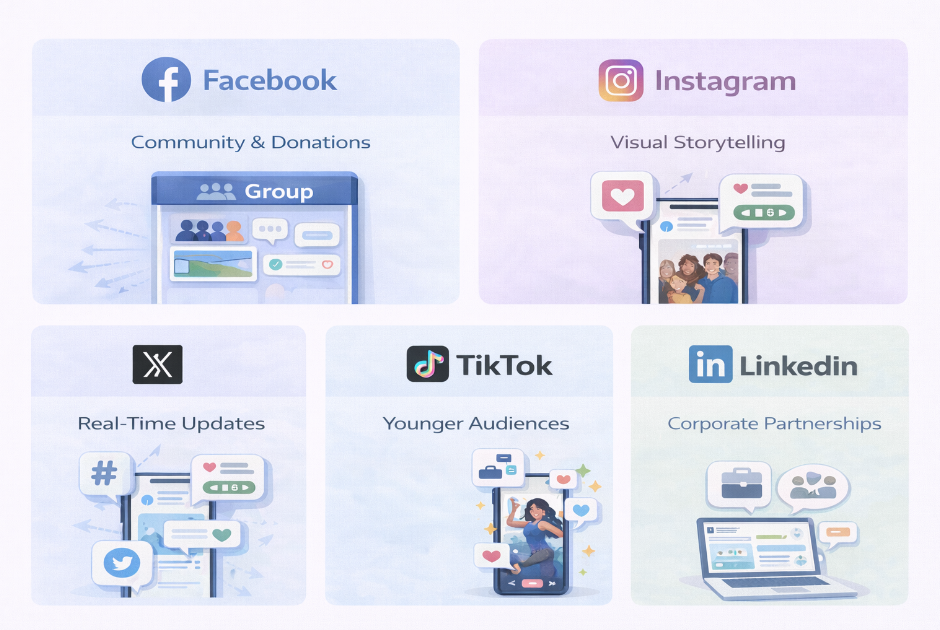
For example:
Before adding another platform to your list, consider whether your audience is actually there and whether your team has the time to create content for it consistently.
Three abandoned social media accounts aren't necessarily better than one active one.
If every post starts with staring at a blank content calendar, create a few recurring themes for your social media.
These are sometimes called content pillars, but they don't need to be complicated.
A small business might rotate between:
The right mix will depend on your business.
And yes, you can talk about what you sell. Your social media doesn't need to pretend your business has no interest in getting customers. Just make sure every post isn't asking someone to buy something.
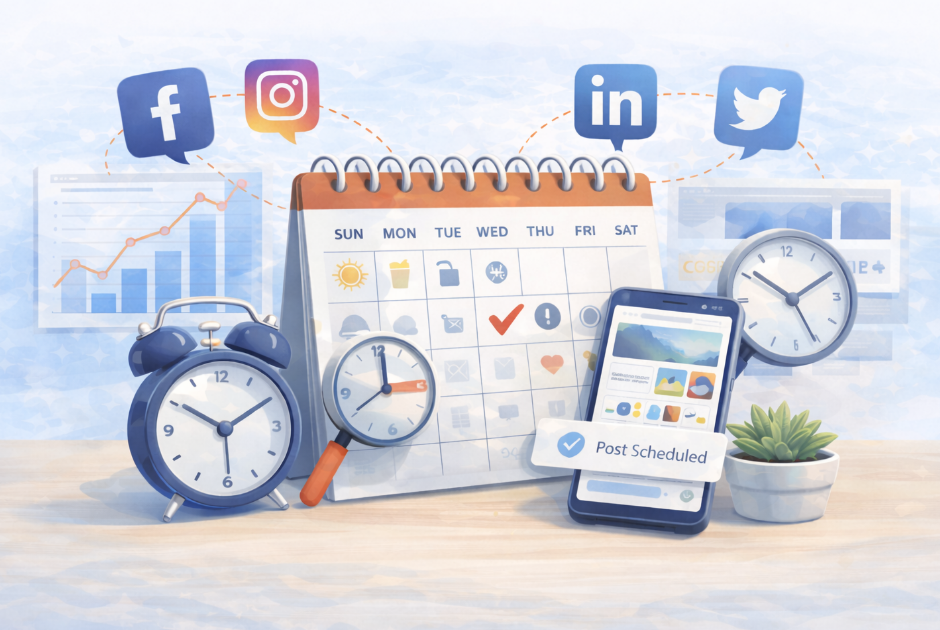
Consistency matters more than creating an ambitious posting schedule you abandon after two weeks.
A content calendar helps you plan what you're going to publish and gives you a chance to create content ahead of time.
You might plan a month at once or simply map out the next couple of weeks. Either way, look ahead for things you already know you'll want to talk about, such as:
Then fill in the gaps with your recurring content themes.
Planning ahead also gives you more freedom to be spontaneous. When your entire social media presence isn't dependent on figuring out today's post at 4:47 p.m., it's much easier to jump on a timely idea when one comes up.
People can tell when a social post was written to check a box.
You don't need every caption to sound polished within an inch of its life. You need it to sound like your business.
Write clearly. Be specific. Use the language your customers actually use. Share opinions and expertise when you have something worthwhile to say.
And if you're using AI to help create content, treat the first draft like a first draft.
AI can help brainstorm ideas, organize your thoughts, or get you past a blank page. But review the finished post before publishing it. Remove generic filler. Add examples. Fact-check it. Rewrite anything you would never actually say.
Your social media should still have a point of view and a person behind it.
Publishing is only half of it.
Respond when someone leaves a thoughtful comment. Answer questions. Pay attention to what people are saying about your business and industry. Engage when it makes sense.
You don't need to manufacture engagement by ending every caption with "What do YOU think? 👇"
Sometimes the best way to encourage conversation is simply to post something people genuinely want to respond to.
Scheduling tools can make social media much more manageable.
Instead of stopping in the middle of your day every time something needs to be published, you can create several posts at once and schedule them in advance.
That's a good use of automation.
Setting up months of generic content and never looking at your accounts again? Less so.
Use scheduling to handle the repetitive part of publishing while leaving room for timely posts, responses, and real interaction.
Likes are easy to see, but they don't tell you everything.
The right metrics depend on what you wanted social media to accomplish in the first place.
Pay attention to things like:
Look at individual posts, too. Which topics consistently perform well? Which formats get ignored? What gets people to click through to your website?
Use that information to decide what to create more of and what probably doesn't need to make next month's calendar.
Your social media strategy isn't something you create once and follow forever.
Platforms change. Your audience changes. Your business changes. And sometimes the content idea you were absolutely convinced would work gets six likes.
That's useful information, too.
Pay attention to what's working, test new ideas, and keep refining your approach. A good social media marketing strategy gives you direction without locking you into a plan that no longer makes sense.
For most small businesses, the biggest social media challenge isn't understanding that they should post. It's finding the time and content to actually do it consistently.
Levitate helps take some of that work off your plate with social media scheduling, ready-to-use and customizable content, AI tools, and a dedicated Success Specialist who can help keep your marketing moving.
You can plan ahead and automate the repetitive parts without putting your entire social presence on autopilot.
Ready to spend less time figuring out what to post? Book a demo to see how Levitate can help simplify your social media marketing.
We’ll give you a call to set up time for your team and ours to meet virtually for a personalized demo.
Book a Demo


.png)
%20(1).png)
.svg)
.svg)