
Service Business Websites: Crafting a Compelling Digital Presence
February 17, 2026 · Updated November 13, 2026

Director of Digital Marketing
A service business website needs to do three things fast: tell visitors what you do and where, show them why they can trust you, and make it easy to call, book or ask a question. That means a clear homepage, a page for each service, real reviews, an About page with real people, and a contact path that works well on a phone. Get those right and your site works like your best front-desk person, even after hours.
What pages does a service business website need?
Most service businesses can cover the basics with a short list of pages:
- Home: What you do, who you serve, where you work, and one clear next step.
- Services: One page per main service, so each can answer specific questions and show up in search on its own.
- About: Your story, your team, and your credentials or licenses.
- Reviews or testimonials: Proof from real clients.
- Contact or Book: Phone, form, booking link, address and hours.
- FAQ or blog: Answers to the questions clients ask you every week.
If you serve several towns or neighborhoods, add a short section or page about your service area so people know you work where they live.
What should go on your homepage?

Your homepage is often the first page people see, so lead with clarity, not cleverness.
- A plain headline. Say what you do and where. "Family-owned plumbing in Raleigh" beats a vague slogan every time.
- One main call to action. "Get a Free Quote," "Book a Consultation" or "Call Now." Make the button stand out with a contrasting color and repeat it lower on the page.
- Real photos of your work. Before-and-after shots for a landscaper, your actual team for an accounting firm, happy pets for a groomer. Real photos build more trust than stock images.
- A few reviews up front. Two or three short client quotes near the top answer "Are they any good?" before visitors have to look.
- Your phone number in the header. Many clients would still rather call.
Keep the layout clean. If everything on the page is loud, nothing stands out.
How should you organize your website menu?
Keep the menu short and predictable: Home, Services, About, Reviews, Contact. If you offer several services, list them under a Services dropdown so people can jump straight to the one they need.
Put the menu at the top of the page, where people expect it. On phones, a collapsible menu keeps things tidy, and a "sticky" header that stays visible as people scroll keeps your phone number and main button one tap away.
What content builds trust with potential clients?
Trust is what turns a visitor into a call. Here's what moves the needle on a service business website:
An About page with real people
Tell your story in plain words: who you are, how you started, and why you do this work. Add team photos, names and roles. People hire people, so let them see who they'll be working with.
Service pages that explain the benefit
Don't just list what you do. Explain the problem you solve, what the process looks like, what clients can expect, and what makes your approach different. Our complete guide to writing effective website copy walks through how to write pages that sound like you.
Reviews and testimonials
Show reviews from real clients, ideally pulled from your Google Business Profile so they stay current. Always get permission before you share a client's name or story. If you're in a regulated field, such as financial advice or health care, check your compliance rules before posting testimonials. If you need more reviews, here's how to ask for a review from customers the right way.
Credentials and proof you're legit
List licenses, certifications, insurance, memberships and awards where they apply. Show your business name, address and phone number the same way on every page and in your Google Business Profile.
Helpful answers
A blog or FAQ page lets you answer the questions clients ask most. An HVAC company might explain when to replace a system versus repair it. A CPA might cover what to bring to a tax appointment. These pages help people and give search engines and AI tools clear answers to show.
For more on this, see what makes a website trustworthy.
How do you make it easy for visitors to contact or book with you?
Once someone is interested, remove every bit of friction.
- Click-to-call. Make your phone number tappable on mobile.
- A short form. Name, email or phone, and a message box are usually enough. Every extra field means fewer people finish.
- Online booking. If you offer consultations, estimates or appointments, let people pick a time right on your site.
- Set expectations. Tell people when they'll hear back, such as "We reply within one business day."
- Follow up fast. A form that sits in an inbox for three days is a lost client. Make sure every inquiry reaches someone who will respond.
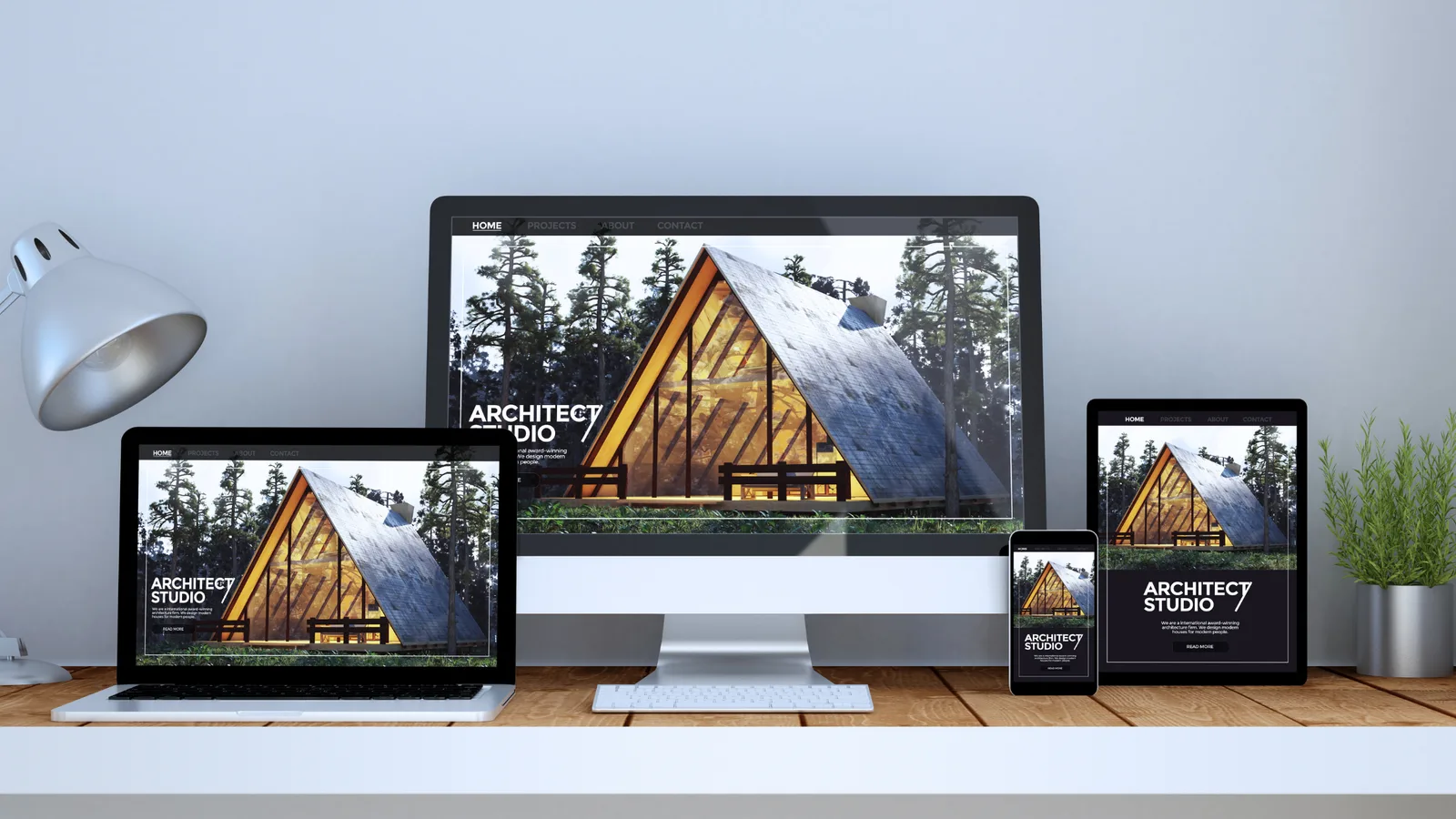
Why does your website need to work well on mobile?
About nine in ten U.S. adults (91%) own a smartphone, according to Pew Research Center's 2026 mobile fact sheet. Google also uses the mobile version of your site's content for indexing and ranking, per Google Search Central.
A mobile-friendly site means more than shrinking the desktop version:
- Buttons big enough to tap with a thumb
- Text you can read without zooming
- The same important content on mobile as on desktop
- Your phone number and main button easy to reach
Pull up your own site on your phone and try to book an appointment. If it's frustrating for you, it's frustrating for your clients.
How do you keep your website secure and fast?
Use HTTPS
Your site should run on HTTPS (with an SSL certificate). Since Chrome 68 in July 2018, Chrome has marked all plain HTTP sites as "not secure," according to the Chromium blog. That label alone can scare people away from a contact form.
Check your speed
Google's Core Web Vitals recommend that your main content loads within 2.5 seconds and that the page responds to taps and clicks in 200 milliseconds or less. Run your site through Google's free PageSpeed Insights tool to see where you stand and what to fix. Large, uncompressed photos are one of the most common causes of a slow site.
Keep the design clean
A professional, uncluttered design signals that you're stable and reliable. Skip flashy animations and auto-playing videos that slow the page down and distract from your main message.
How do you keep a service business website working after launch?
A website isn't a one-time project. Small, regular updates keep it useful:
- Update hours, services, staff and prices as soon as they change.
- Add new reviews and fresh project photos.
- Publish helpful posts or FAQs on a steady schedule.
- Test your forms every month to make sure leads are coming through.
How can Levitate help your website turn visitors into clients?
The best website in the world doesn't help if leads sit unanswered. Levitate can build and maintain a website for your business that's connected to your follow-up. A website is included with every Levitate plan. When someone fills out a form, they become a contact in Levitate right away and your follow-up can start automatically, and your Google reviews show on the site for new visitors to see. Schedule a demo to see how a connected website works for a business like yours.
Frequently asked questions
How many pages should a service business website have?
Most service businesses do well with five to ten pages: Home, About, Contact, Reviews, and one page for each main service. Add a blog or FAQ page if you want to answer common questions and give search engines more to work with.
What is the most important page on a service business website?
Your homepage and your service pages usually matter most, because they're where people decide whether to contact you. Each should say clearly what you do, where, and what to do next.
Should I put prices on my service business website?
If your pricing is simple, sharing it can save time for you and your clients. If every job is different, give a typical range or explain what affects the price, and invite people to request a quote.
Do I need a blog on my service business website?
You don't need one to launch, but helpful posts that answer real client questions can help you show up in search and AI answers. Even one useful post a month adds up over time.
How do I get more reviews to show on my website?
Ask happy clients soon after a job or meeting, and make it easy with a direct link to your Google review page. Then display those reviews on your site so new visitors can see them.