We've recently updated our Terms of Service and Privacy Policy.

For nonprofits, visibility is everything, but budgets are often limited. Google Ad Grants offers a powerful solution, providing up to $10,000 per month in free search advertising.
The opportunity is significant, but so are the requirements. To get real value from the grant, you need to stay compliant and strategic.
Here is what nonprofits need to know to make the most of Google Ad Grants in 2026.
Google Ad Grants gives eligible nonprofits access to $10,000 per month in Google Search ads.
This allows you to:
However, the grant is not a “set it and forget it” solution. Ongoing management is required to keep your account active and effective.
Before applying, make sure your organization qualifies.
Key requirements include:
Your website plays a bigger role than many organizations expect. If it lacks clarity or depth, approval and performance will suffer.
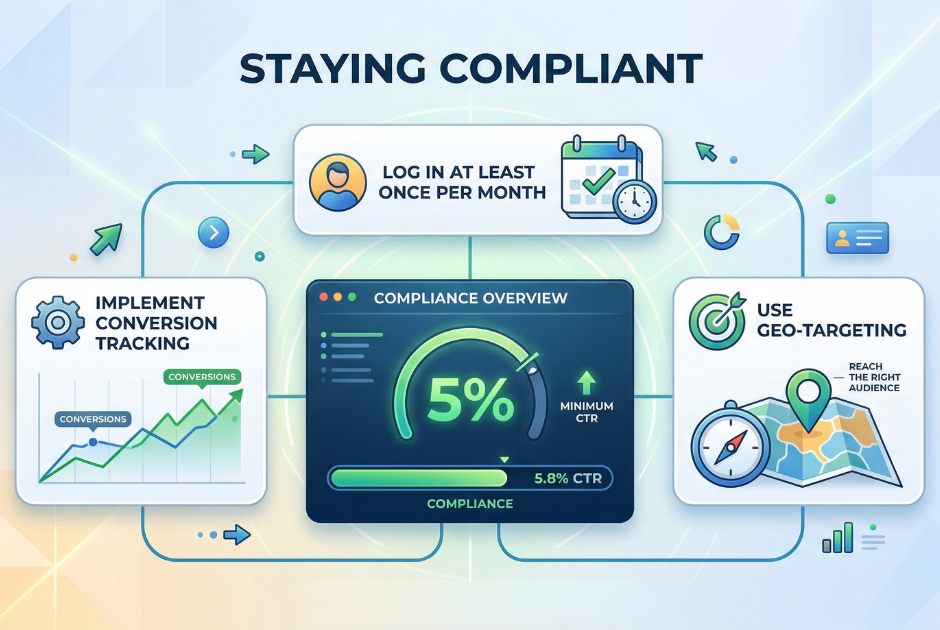
Once approved, maintaining compliance is critical. Many nonprofits lose access to the grant simply because they do not follow ongoing requirements.
You must:
These rules are designed to ensure ads remain useful and relevant to users.
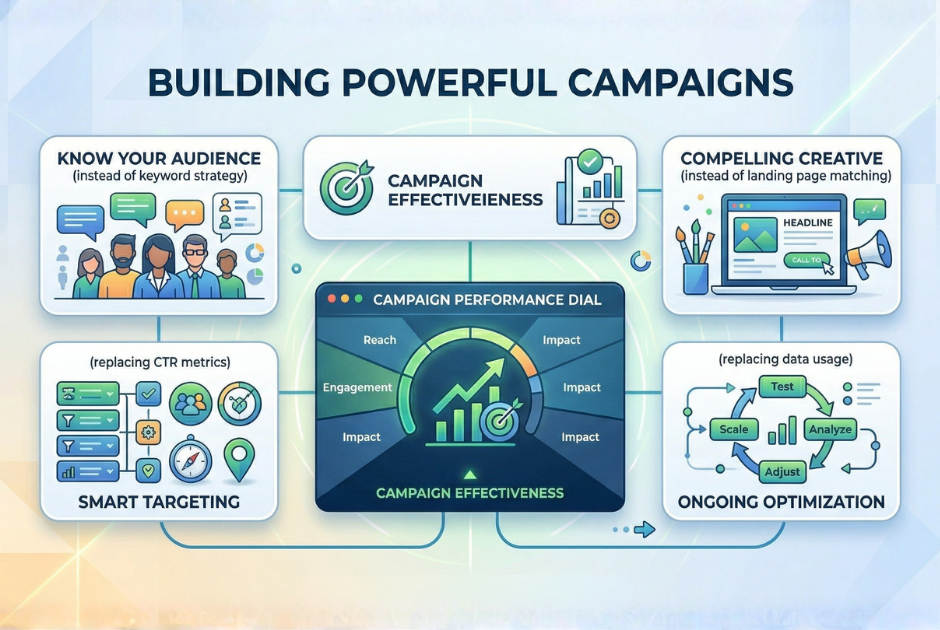
Compliance keeps your account active. Strategy is what drives results.
Start by understanding what your audience is searching for. Focus on intent-driven keywords tied to your mission, programs, or services.
Strong campaigns include:
The closer the alignment between search, ad, and landing page, the better your performance will be.
Google Ads provides valuable data that can guide your strategy.
Pay attention to:
If something is not working, adjust it. If something is performing well, invest more in it.
The goal is continuous improvement, not perfection.
Many nonprofits struggle with Google Ad Grants because they overlook the basics.
Common issues include:
These mistakes can lead to poor performance or even account suspension.
Your ads can only perform as well as your website allows.
A strong nonprofit website should:
If users click your ad but do not take action, your website is likely the issue.
Google Ad Grants is one of the most valuable marketing tools available to nonprofits, but it requires consistent attention and a clear strategy.
When you combine strong targeting, clear messaging, and a well-optimized website, the grant can drive meaningful growth for your organization.
Levitate helps nonprofits stay consistent with communication and follow-up so you can turn website visitors into long-term supporters. Schedule a demo to see how it can support your outreach and maximize the impact of your marketing efforts.
We’ll give you a call to set up time for your team and ours to meet virtually for a personalized demo.
Book a Demo


.png)
%20(1).png)
.svg)
.svg)

.png)
